
Keeping your prescription labels and medication leaflets isn’t just about being organized-it’s a safety habit that could save your life. Every pill bottle you’ve ever taken, every tiny paper insert that came with it, holds critical information: dosage, side effects, interactions, expiration dates, and who prescribed it. Throw those away, and you risk confusion, dangerous mistakes, or even unnecessary tests and hospital visits. You don’t need to keep every bottle forever, but you do need a smart, reliable system to track what you’ve taken-especially if you’re on multiple medications.
Why This Matters More Than You Think
Every year in the U.S., around 7,000 people die from preventable medication errors. That’s not because doctors make mistakes-it’s often because patients can’t remember what they’re taking, or their records get lost. During an emergency, when you’re rushed to the ER, paramedics and doctors need to know exactly what’s in your system. If you can’t tell them, they have to guess. And guessing with medications can be deadly. A 2022 study in the Journal of General Internal Medicine found that patients who kept organized medication records reduced adverse drug events by 55%. That’s not a small number. It means if you’re on five or more pills a day-something 45% of adults over 65 do-you’re at higher risk, and keeping records cuts that risk nearly in half. The FDA requires all prescription labels to include your name, the drug name, dosage, prescriber, pharmacy info, and expiration date-all in 18-point bold font. That’s not just for readability. It’s so you can scan them later. The leaflets? They’re packed with 8 to 12 pages of vital details: what to avoid mixing with the drug, signs of serious side effects, what to do if you miss a dose. Lose those, and you lose the full picture.Physical Storage: The Simple, Reliable Way
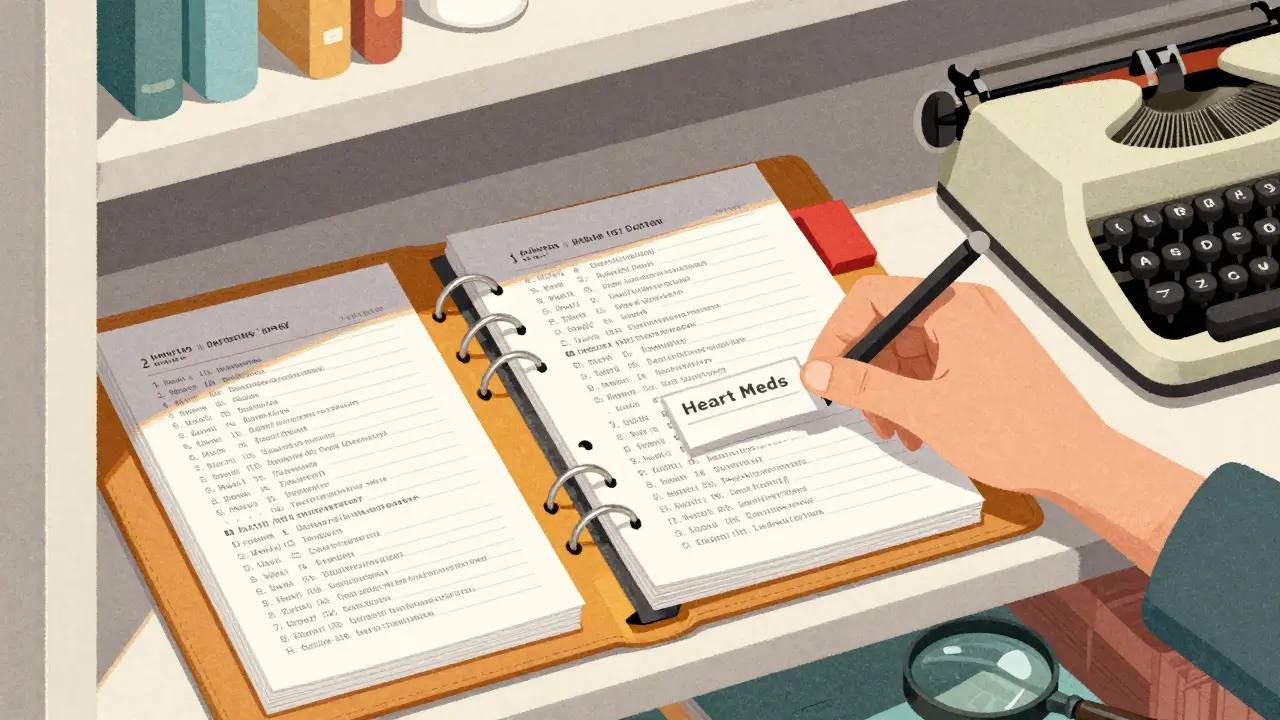
The most trusted method is still a binder. Not a shoebox. Not a drawer full of random papers. A dedicated, labeled binder with clear sections. Here’s how to do it right:- Get a three-ring binder with plastic sleeves. Acid-free, archival-quality sleeves prevent yellowing and tearing. You can find them at office supply stores or online.
- Use color-coded tabs. Assign one color to antibiotics, another to heart meds, another to painkillers. This lets you flip to the right section fast.
- For each prescription, slip the label and leaflet into the same sleeve. Fold the leaflet neatly so it fits. Don’t crumple it.
- Organize alphabetically by drug name. That way, if you need to find “Lisinopril,” you don’t have to dig through a pile.
- Update it every time you get a new prescription. Set a reminder on your phone: “Update med binder” every time you refill.
Digital Storage: The Smart Backup
A binder is reliable, but it’s not searchable. What if you’re traveling and need to know what’s in your meds? What if you forget the name of a pill you took two years ago? That’s where digital comes in. Use a HIPAA-compliant app like MyMedSchedule (version 3.2.1 or later). These apps let you take a photo of your label and leaflet, then store them securely in the cloud with end-to-end encryption. They can even track expiration dates and send you alerts. The FDA updated labeling rules in May 2023 to make labels scannable. That means the text is large, clear, and standardized-perfect for photos. Most apps auto-extract the drug name, dosage, and instructions from the image. You just need to confirm it’s right. But here’s the catch: 63% of adults over 65 say they don’t feel comfortable using apps. And if your phone dies, or the app crashes, you’re stuck. That’s why digital should be a backup, not your only system.Hybrid System: Best of Both Worlds
The smartest approach? Keep physical copies of your current medications in your binder. That’s everything you’re taking right now. Then, scan everything else-older prescriptions, discontinued drugs, past doses-and save them digitally. Why? Because your doctor might ask, “Did you ever take Metoprolol?” and you won’t remember. Or your new pharmacist might say, “We don’t have your history.” With your digital archive, you can pull up a photo in seconds. No need to call your old pharmacy or wait for records to arrive. Apps like MyMedSchedule also let you share your record with family or caregivers. If your parent lives alone and you’re their point person, you can access their meds remotely. That’s huge for aging parents.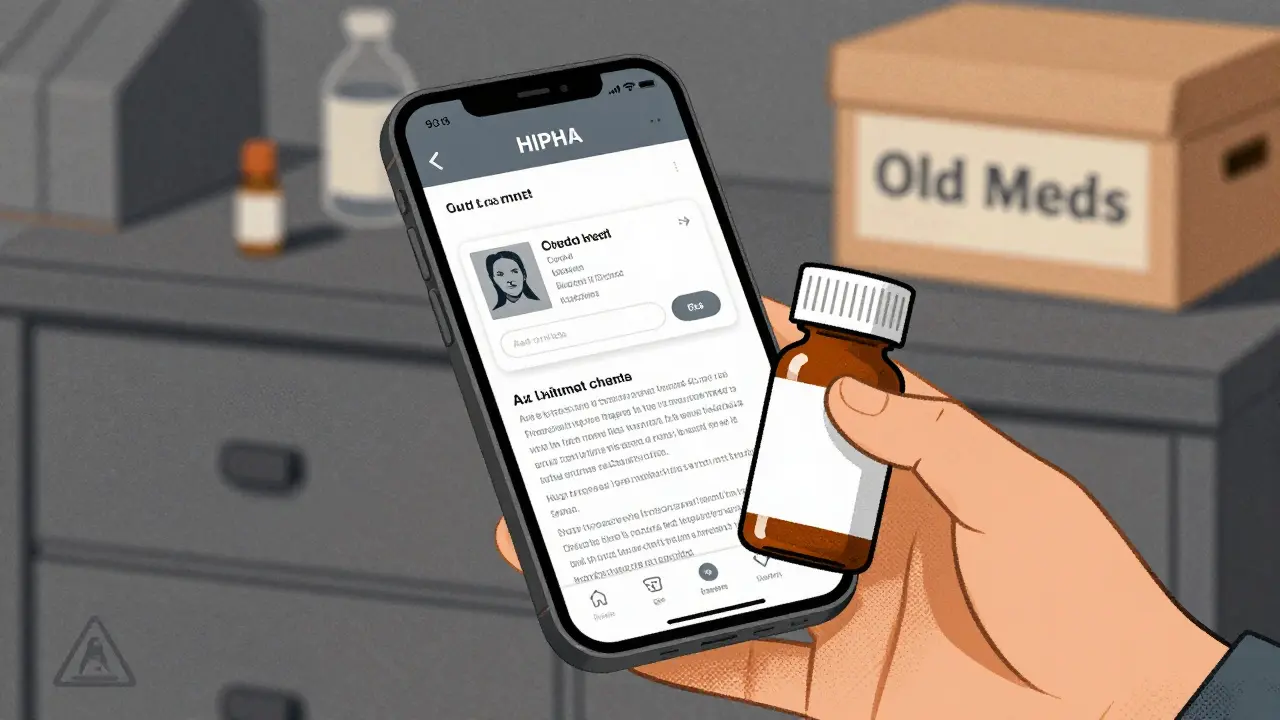
What Not to Do
Don’t throw out old pill bottles. I’ve heard too many stories: “I tossed my bottles, and now my doctor won’t believe I’ve been on this dose for 10 years.” One person paid $1,200 in unnecessary tests because they couldn’t prove their history. Don’t rely on memory. Even if you think you’ll never forget, your brain will. Stress, fatigue, or aging will make you forget details. That’s normal. Don’t use random folders or envelopes. They get lost. They get wet. They get buried under junk. A system only works if it’s consistent and easy to use. Don’t store everything digitally without a physical copy. Power outages happen. Phones break. Cloud services glitch. In 2023, the average downtime for health apps was 2.1 hours. That’s enough to panic during an emergency.How Much Time Does It Take?
Setting up your system takes 15-20 minutes the first time. That’s all it takes to gather your current prescriptions, print out any missing leaflets (many pharmacies will give you a copy), and sort them into your binder. After that, it’s 2-3 minutes per new prescription. When you pick up your refill, slip the label and leaflet into the binder. Do it right then. Don’t wait. If you wait, you’ll forget. For digital, it’s the same. Take the photo as soon as you get the prescription. Don’t let it sit in your bag.What If You Have Hundreds of Prescriptions?
If you’ve been on long-term meds-say, for diabetes, high blood pressure, or depression-you might have dozens of past prescriptions. You don’t need to keep them all in your binder. Here’s the rule: Keep physical copies of anything you’re currently taking. For everything else, scan it and store it digitally. You can even create folders by year: “2020-2022 Meds,” “2023-2024 Meds.” Some people use a shoebox for old records. That’s better than nothing. But a labeled digital folder is far safer. And if you ever need to prove your history to a new doctor or insurer, you can email them a PDF in seconds.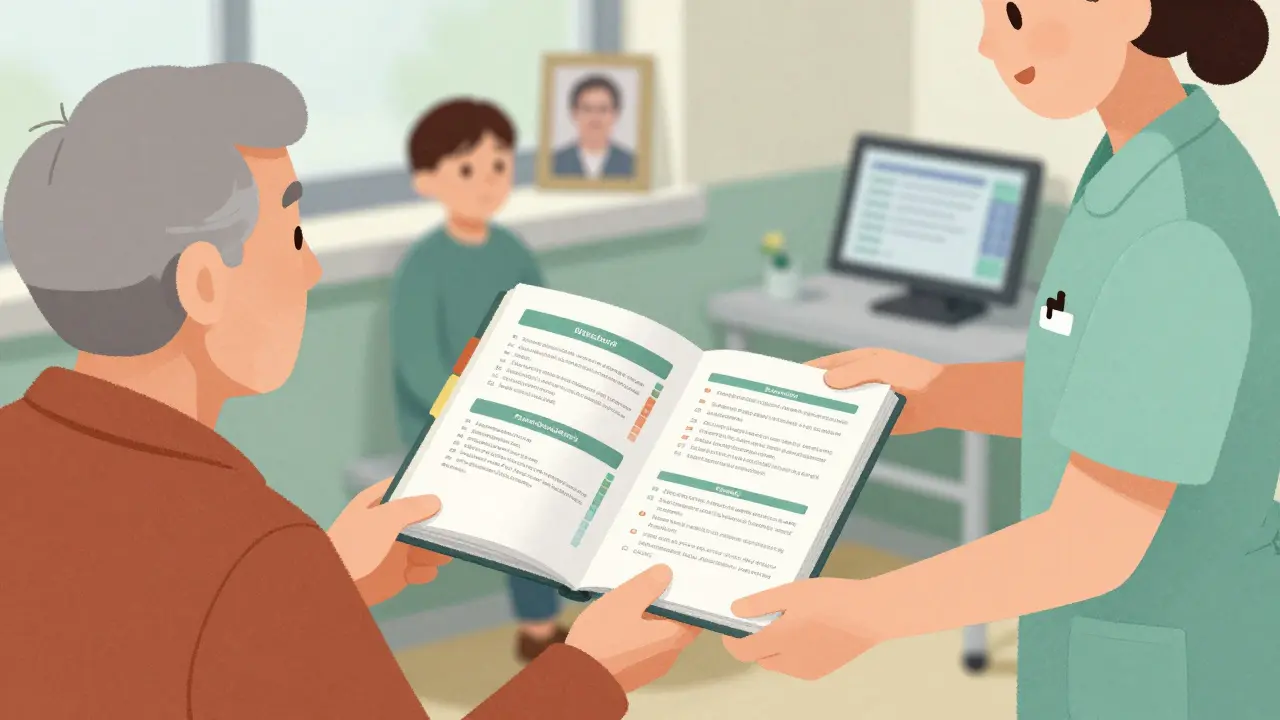
Privacy and Security
Digital storage sounds great, but it’s not risk-free. Prescription records are 40 times more valuable on the black market than credit card numbers, according to IBM’s 2023 report. So don’t just use any app. Only use apps certified as HIPAA-compliant. Look for terms like “end-to-end encryption,” “no data sharing,” and “patient-controlled access.” Avoid apps that ask for unnecessary permissions or that store data on servers outside the U.S. If you’re worried, stick to physical. It’s the most private option. No hackers, no breaches, no cloud leaks.What to Do When You Move or Change Doctors
Always bring your binder. Even if your new doctor has your records, they’re often incomplete. Hospitals keep records for only 7-10 years. After that, they archive or delete them. If you’re switching pharmacies, ask your old one to send a summary of your medication history. But don’t rely on it. Keep your own copy. If you’re going into the hospital for surgery, give your binder to your caregiver or put it in your bag. Tell the nurse: “This is my complete medication list.” It’s that simple.Final Tip: Make It a Habit
This isn’t a one-time project. It’s a lifelong habit. Think of it like brushing your teeth. You don’t wait until your gums bleed to start. You do it every day because you know the cost of skipping it. Set a monthly reminder: “Review my med binder.” Check for expired meds. Update new ones. Toss outdated leaflets. Add new ones. In 10 years, you’ll thank yourself. You don’t need to be a nurse or a pharmacist to do this. You just need to care enough to keep track. And that’s the most important part.Should I keep every prescription label forever?
No. Keep physical copies only for medications you’re currently taking. For older or discontinued prescriptions, scan them and store them digitally. This keeps your binder manageable while preserving your full history.
Can I just use my pharmacy’s app to track my meds?
Pharmacy apps are helpful, but they’re not reliable for long-term records. They often only store active prescriptions, and you lose access if you switch pharmacies. Always keep your own copy in a binder or secure cloud app.
What if I can’t read the small print on my leaflets?
Many pharmacies will print a larger version of the leaflet for you. Call ahead and ask. You can also scan the original and zoom in on your phone or computer. The FDA requires all labels to be in 18-point bold font, so even the small print on labels is readable with a magnifier or photo zoom.
Is it safe to store medication records on my phone?
Only if you use a HIPAA-compliant app with end-to-end encryption. Avoid taking photos and saving them in your regular gallery. Those aren’t secure and can be accessed if your phone is lost or hacked.
What should I do with expired or unused prescriptions?
Dispose of the pills safely-return them to a pharmacy drop-off or use a drug take-back program. But keep the label and leaflet in your binder or digital archive. The information is still valuable for your medical history, even if the drug is no longer active.

13 comments
Chloe Hadland
This is actually so simple and makes so much sense. I started doing this last year after my grandma had that mix-up with her blood pressure meds. Now I just slip everything into a binder when I pick up a refill. No more panic at the ER.
Amelia Williams
I love this. I’ve been scanning mine into MyMedSchedule and it’s been a game changer. Took me 20 minutes to set up and now I can pull up any med I’ve ever taken in 3 seconds. My doctor was blown away when I showed her my digital archive during my last visit.
Viola Li
Yeah right like anyone actually does this. People throw out pill bottles all the time. You think the ER docs care if you had a 2018 prescription for Xanax? They’re just gonna run tests and charge you $800.
Vatsal Patel
You think keeping paper is wisdom? In the age of AI and blockchain, you’re clinging to dead trees like it’s 1999. The real power is in decentralized medical ledgers. But no, let’s keep folding leaflets like monks copying scripture.
John McGuirk
I dont trust any app. theyre all spying on you. i keep everything in a metal box buried in my backyard. the government cant get it there. also i use a magnifying glass to read the labels. they made them small on purpose so youll need to buy their glasses.
Michael Camilleri
If you’re not keeping every single label forever you’re literally endangering your family. My cousin died because she didn’t have a 2012 label for a drug she took once. The hospital didn’t know she was allergic. You think that’s a coincidence? It’s negligence.
Tiffany Wagner
I just use a shoebox under my bed. its not fancy but it works. i dont care about colors or alphabetizing. if i need something i dig through it. sometimes i find old receipts too. its like a time capsule of my bad decisions.
lorraine england
I started doing the binder thing after my mom had a bad reaction. Best decision ever. I even labeled the tabs with stickers from Target. It’s kind of therapeutic honestly. And my sister just asked me to help her set hers up. We’re basically the Med Sisters now 😌
Kevin Waters
One thing people forget: if you’re on long-term meds, the leaflets often have the most important info about interactions. I once missed a dangerous combo because I trusted my memory. Now I scan every leaflet. Takes 10 seconds. Could save your life.
Kat Peterson
I’m so done with this. I just take a pic of my pill bottle and throw it in my iCloud. I have 17 tabs open on my phone right now and I’m literally crying. Why does this have to be so hard?? 🥺
Himanshu Singh
This is beautiful. You’re not just organizing pills-you’re honoring your body’s journey. Every label is a chapter. Every leaflet, a whisper from your past self saying 'I survived this'. Keep it. Not because you have to-but because you deserve to remember your strength.
Jamie Hooper
i used to keep mine in a drawer but then my cat knocked it over and now i cant find anything. so now i just take pics on my phone. also i spell medecine wrong on purpose to confuse the algorithm. its a form of protest.
Izzy Hadala
The methodology proposed herein exhibits a commendable alignment with clinical best practices regarding longitudinal pharmacovigilance. However, the absence of standardized metadata tagging (e.g., RxNorm, SNOMED CT) in the proposed digital system constitutes a significant interoperability gap that may compromise longitudinal data integrity across care domains.